Email Apnea Stress Can Make Work Anxiety Feel Worse
Email Apnea Stress
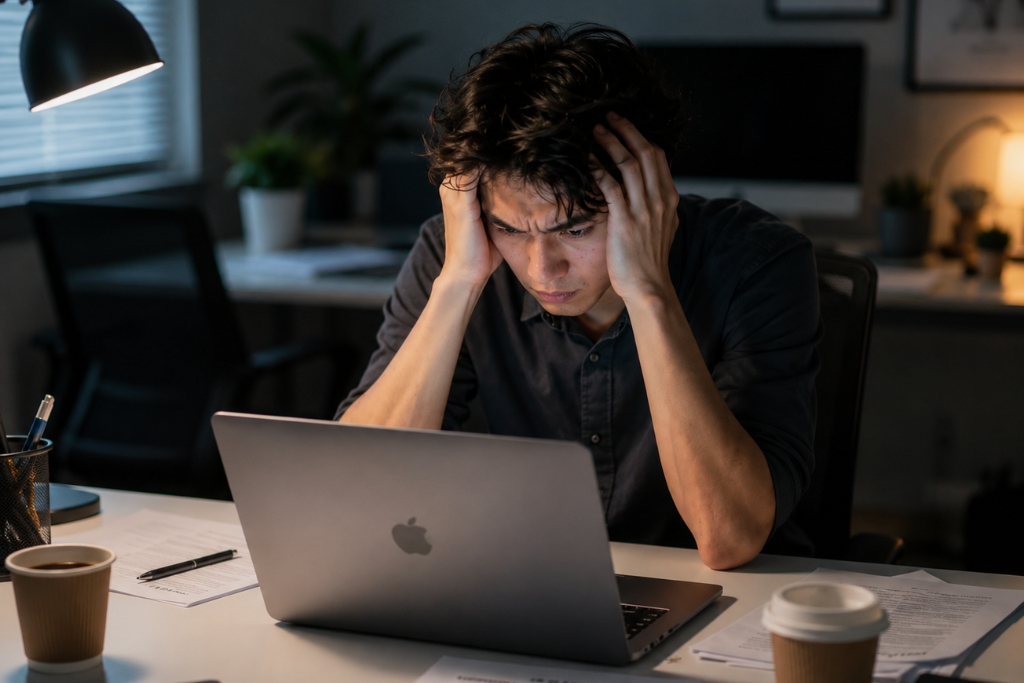
You open your laptop, check your inbox, and suddenly your body tightens before you even realize it. Your shoulders lift. Your jaw locks. Your breathing gets shallow, or worse, you stop breathing for a few seconds.
That reaction has a name: email apnea.
Email Apnea Stress happens when you unconsciously hold your breath or breathe shallowly while reading emails, messages, notifications, or work updates. It sounds small. Almost silly. But if it happens all day, your nervous system starts treating ordinary work tasks like threats.
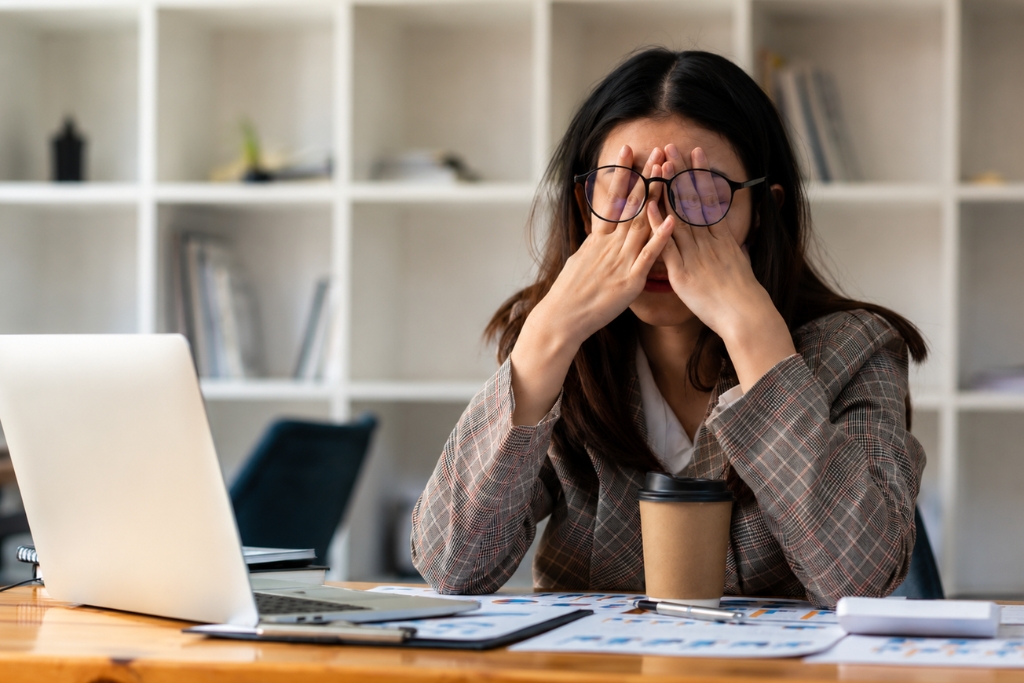
And if you already deal with workplace anxiety, digital burnout, or work-related stress, this habit can make everything feel heavier.
What Is Email Apnea?
Email apnea is a form of screen apnea. It happens when your breathing changes while you interact with digital devices, especially during stressful tasks like checking emails, responding to messages, or scanning deadlines.
You may not notice it right away.
Most people only realize what’s happening when they suddenly take a deep breath after reading a tense message. That moment, “wait, was I holding my breath?” moment is more common than people think. If you’ve ever wondered, “why do I hold my breath when reading emails?” your body may be reacting to overstimulation. The inbox feels mental, but your body reads it physically.
How Email Apnea Stress Builds Up
Your nervous system is designed to scan for danger. That’s helpful when danger is real. Not so helpful when the “threat” is a subject line from your manager. When you hold your breath, oxygen levels can dip slightly, and your brain may treat that change as a stress signal. Then your body moves closer to a fight or flight response.
Your heart rate may rise. Your muscles may tighten. Your breathing may stay shallow. Do this once, and it passes. Do it dozens of times a day, and Email Apnea Stress can start shaping how your body feels by late afternoon.
Why Your Body Reacts to Work Screens
The modern workday is packed with tiny alerts.
Emails. Calendar changes. Chat pings. Deadline reminders. Open tabs. Half-written replies. Even when you are sitting still, your brain may feel like it is processing too much at once. That overstimulation stress response can push your body into a low-grade stress state.
This is one reason nervous system stress can feel physical. You may notice headaches, tight shoulders, shallow breathing, chest tension, or that wired-but-tired feeling after hours on a work laptop.
A useful way to think about it: your body does not always separate “urgent digital pressure” from real-world pressure as neatly as your logical mind does.
Email Apnea Stress and the Vagus Nerve
The vagus nerve plays a key role in helping the body calm down after stress. Slow breathing, especially longer exhalations, supports vagus nerve regulation and helps shift the body toward a more settled state.
Shallow breathing does the opposite.
When your breaths stay high in the chest, your body misses the calming signal that comes from deeper, slower breathing. That can make it harder to recover after stressful emails or back-to-back meetings. This is how email apnea affects health over time. Not because one email harms you, but because repeated breath-holding at work keeps your body on alert.
Workplace anxiety
Signs You May Be Holding Your Breath at Work
Email apnea can be subtle, but your body usually leaves clues.
You may notice:
- Tight shoulders after checking emails
- A sudden deep inhale after reading messages
- Jaw clenching while typing replies
- Shallow breathing during focused screen time
- Afternoon headaches or brain fog
- Feeling tense even after “small” work tasks
- A racing feeling after opening your inbox
These signs do not always mean something serious is wrong. But they do suggest your work laptop’s breathing habits need attention.
How to Fix Unconscious Breath Holding at Work
You do not need a complicated routine. Start small.
Tie breathing checks to things you already do. Every time you open your inbox, send an email, switch tabs, or join a call, take one slow breath before moving forward.
Drop your shoulders. Unclench your jaw. Let the exhale last a little longer than the inhale. That one tiny pause can interrupt the automatic stress loop.
Make Your Desk Support Better Breathing
Posture matters more than people think.
If you hunch over your keyboard, your diaphragm has less space to move. That encourages shallow breathing. Try leaning back slightly, keeping both feet on the floor, and opening your chest instead of curling toward the screen.
You can also place a small reminder near your monitor. A sticker, a note, or a gentle timer can help you check in before tension builds. Stress management does not always start with huge lifestyle changes. Sometimes it starts with noticing your breath before your inbox takes over.
A Simple Breathing Reset
When you feel work stress rising, try this.
Inhale through your nose for four seconds. Hold for a moment if it feels comfortable. Then exhale slowly for six to eight seconds. Repeat this a few times. The longer exhale helps signal safety to the nervous system. No drama. No perfect meditation setup. Just a quick reset between tasks.
Conclusion
Email Apnea Stress is easy to overlook because it happens quietly. You may blame your fatigue on workload, meetings, or poor sleep, while your breathing habits are adding another layer of strain throughout the day. The good news is that email apnea can improve once you start noticing it. By checking your breath during screen time, improving posture, lengthening your exhale, and building small pauses into digital work, you give your nervous system a better chance to recover. Your inbox may not slow down, but your body does not have to treat every message like an emergency.